
Quick Answer
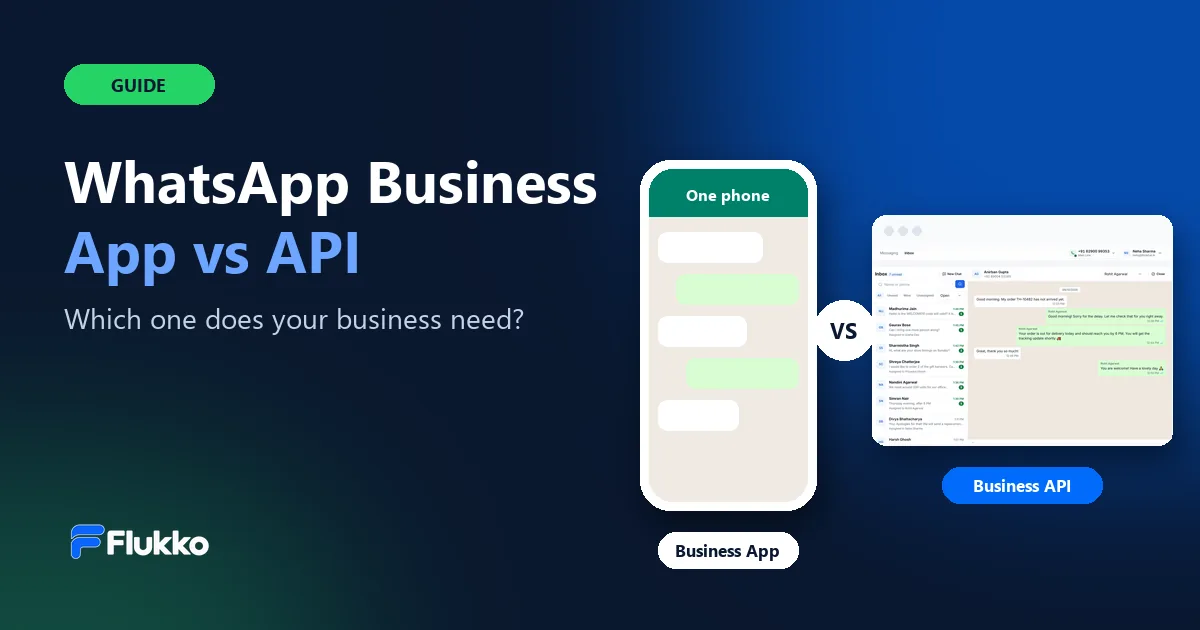
Use the WhatsApp Business App if one or two people reply to customers from a phone and you only message people who already saved your number. Move to the WhatsApp Business API (officially, the WhatsApp Business Platform) when several teammates need the same number, you want to send opt-in campaigns at scale, or you want WhatsApp connected to your own software. You don't always have to choose: with coexistence you can keep the app and add the API on the same number.
Key Takeaways
- The app is free and built for one phone. Great for small businesses that chat one-to-one.
- The API is built for teams and scale. Many agents, campaigns, automation and integrations — through software like Flukko.
- The API has two costs. A platform subscription, plus Meta's per-message charges for template messages.
- Replies inside 24 hours are free on the API. Templates are needed to start a conversation or message after that window.
- You can use both on one number. Coexistence keeps the app working while your team uses the API.
What Is the WhatsApp Business App?
The WhatsApp Business App is Meta's free app for small businesses, available on Android and iPhone. It looks and works like regular WhatsApp, with extra business tools:
- a business profile with your address, hours and website;
- a catalogue to show products or services;
- quick replies, labels, and greeting and away messages;
- broadcast lists — but these only reach people who have saved your number.
Everything runs from one phone, with a few linked devices such as WhatsApp Web. That's ideal when the owner or one person handles customer chats — and it gets difficult once several people need to reply from the same number.
What Is the WhatsApp Business API?
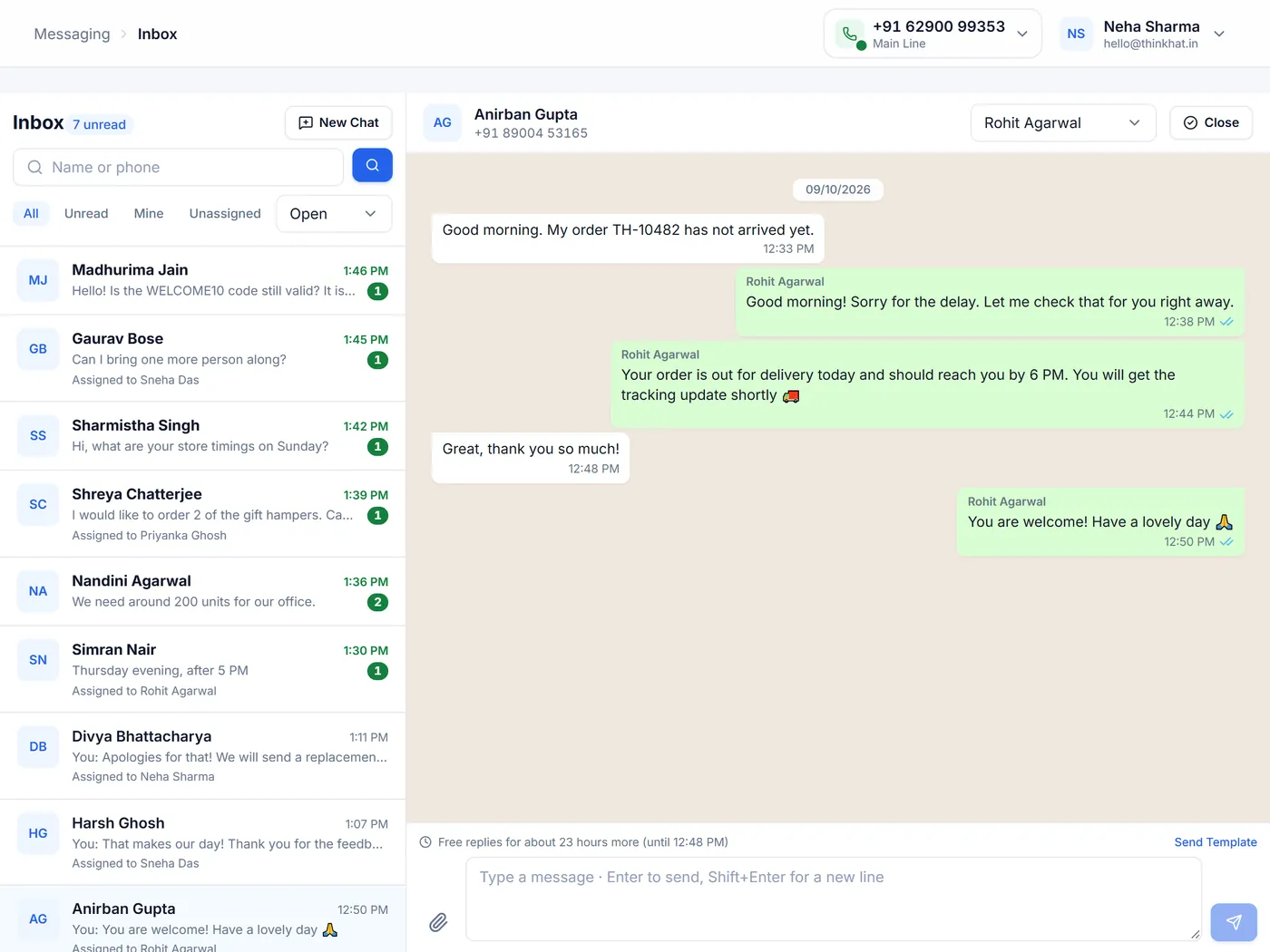
The WhatsApp Business API — officially the WhatsApp Business Platform, with the Cloud API hosted by Meta — lets businesses use WhatsApp at scale. It has no app of its own: you use it through software from a Meta partner or tech provider, such as a shared team inbox like Flukko.
With the API you can:
- let a whole team reply from one number, each on their own computer, with chats assigned to people;
- send message templates approved by Meta — for order updates, reminders or opt-in campaigns;
- reply freely to a customer for 24 hours after their last message (the customer service window);
- see delivery and read reports, and connect WhatsApp to your CRM, shop or booking system through an API and webhooks.
WhatsApp Business App vs API: Side-by-Side Comparison
| Feature | WhatsApp Business App | WhatsApp Business API |
|---|---|---|
| Price | Free | Platform subscription + Meta's per-message charges for templates |
| Who replies | One phone, plus a few linked devices | A whole team, each on their own login |
| Starting a conversation | Message anyone who has your number | Meta-approved templates; free-form replies within 24 hours |
| Messaging many people | Broadcast lists, only to contacts who saved your number | Opt-in campaigns to large audiences, with limits that grow with quality |
| Automation and integrations | Greeting, away messages and quick replies | API and webhooks to connect your own software |
| Reports | Basic message statistics | Sent, delivered, read and failed for every message and campaign |
| Set-up | Download the app | Connect your number through Meta's sign-up, in a few minutes with the right software |
When Is the WhatsApp Business App Enough?
The app is usually the right choice when:
- one or two people handle all customer chats;
- you mainly reply to customers who message you first;
- your contacts have already saved your number, so broadcast lists reach them;
- you don't need reports, assignments or integrations with other software.
When Should You Move to the WhatsApp Business API?
It's time to move when you notice one or more of these signs:
- Chats are getting lost. Several people share one phone, and nobody knows who replied.
- You want to reach more customers. You want to send offers or updates to everyone who opted in, not only to people who saved your number.
- You send the same updates again and again. Order confirmations, reminders and payment links should go out automatically.
- You need visibility. You want to know what was delivered and read, and how your team is responding.
- You want WhatsApp connected. Your CRM, store or booking system should send and receive messages.
Tip: moving to the API doesn't mean losing your number or your app. See coexistence below.
How Much Does the WhatsApp Business API Cost?
The API has two separate costs:
- The platform you use. Software like Flukko charges a subscription — with Flukko it's one plan per WhatsApp number with every feature included. See current prices.
- Meta's message charges. Meta charges per delivered template message, by category — marketing, utility and authentication — at rates that depend on your customer's country. Free-form replies inside the 24-hour customer service window are free, and utility templates sent inside that window are free too.
With Flukko, Meta bills its message charges to your own Meta business account directly, so you always pay Meta's own rates with no markup. Learn more about which messages Meta charges for.
Can You Use the WhatsApp Business App and API on the Same Number?
Yes. Meta's coexistence feature lets you connect a number that is already on the WhatsApp Business App to the API — and keep using the app on your phone. Messages you send from the phone also appear in your team inbox.
With Flukko, you choose "WhatsApp Business App Number" when you connect, and you can bring in your app contacts and up to six months of chat history. See how it works with the app.
How to Move to the WhatsApp Business API With Flukko
- Create your workspace. Sign up with your business details and verify your phone with a code on WhatsApp.
- Connect your number. Log in with Facebook in Meta's own window and choose a new number or your WhatsApp Business App number.
- Invite your team. Add teammates, give each a role and choose which numbers they can see.
- Start messaging. Import contacts, reply from the shared inbox, create templates and send your first opt-in campaign.
Connecting a number usually takes about five minutes, and you don't need a developer.
Frequently Asked Questions
Is the WhatsApp Business API Free?
No. You pay for the software you use the API through, and Meta charges per delivered template message. Replies to customers within 24 hours of their last message are free.
Can I Use the Same Number on the App and the API?
Yes. With Meta's coexistence feature, a WhatsApp Business App number can be connected to the API while you keep using the app on your phone.
Do I Need a Developer to Use the WhatsApp Business API?
Not with a ready-made platform. Tools like Flukko connect your number through Meta's own sign-up window in minutes. You only need a developer if you want to build your own software on the API.
How Many People Can Use One Number With the API?
The API itself doesn't limit how many people reply. In a team inbox like Flukko, each teammate has their own login and chats can be assigned so everyone knows who's replying.
Can I Send Bulk Messages on WhatsApp?
Only to people who opted in. On the API you send Meta-approved templates to your opted-in contacts; the number of new people you can message per day starts limited and grows as your quality stays high. Sending messages people didn't ask for can get a number restricted.
What Is the 24-Hour Customer Service Window?
When a customer messages you, you can reply freely — with any text, image or document — for 24 hours. After that, you need an approved template message to continue the conversation.
The Bottom Line
Start with the WhatsApp Business App while one person can handle your chats. When customer conversations need a team, campaigns, reports or integrations, move to the WhatsApp Business API — and keep the app if you like, on the same number.
Try the WhatsApp Business API With Your Own Number
Set up your workspace in a minute and connect your number in about five. Meta's message charges are billed to you directly.

We build Flukko, a WhatsApp Business API platform on Meta's official Cloud API, and help businesses run sales and support on WhatsApp. About us.